Deep AI Video Generator

Deep AI Video: Create AI Images and Videos Online

Text to video, image to video, and AI image generation in one workspace

AI Model

Prompt *

0/20000

Better videos start with proven prompts.

Smart Expansion

Optional audio reference

MP3, MPEG, or WAV, up to 10 MB. Fast does not support M4A.

Aspect Ratio

Video Quality

Video Duration

4s – 15s
8sChoose clip length

Deep AI output examples

See What You Can Create with Deep AI Video

Use Deep AI video to create the kinds of clips people search for most: social videos, product ads, cinematic scenes, explainers, demos, and campaign concepts from text or images.

Start from a prompt, product photo, or reference image, then turn the idea into a video draft you can review, improve, and download.

Deep AI text to video generator cinematic fantasy scene example
01Deep AI output examples
Social video

Social Clips for TikTok, Reels, and Shorts

Create short vertical videos from prompts or images for TikTok, Instagram Reels, YouTube Shorts, and daily social posts. Test hooks, moods, and formats before you edit a full video.

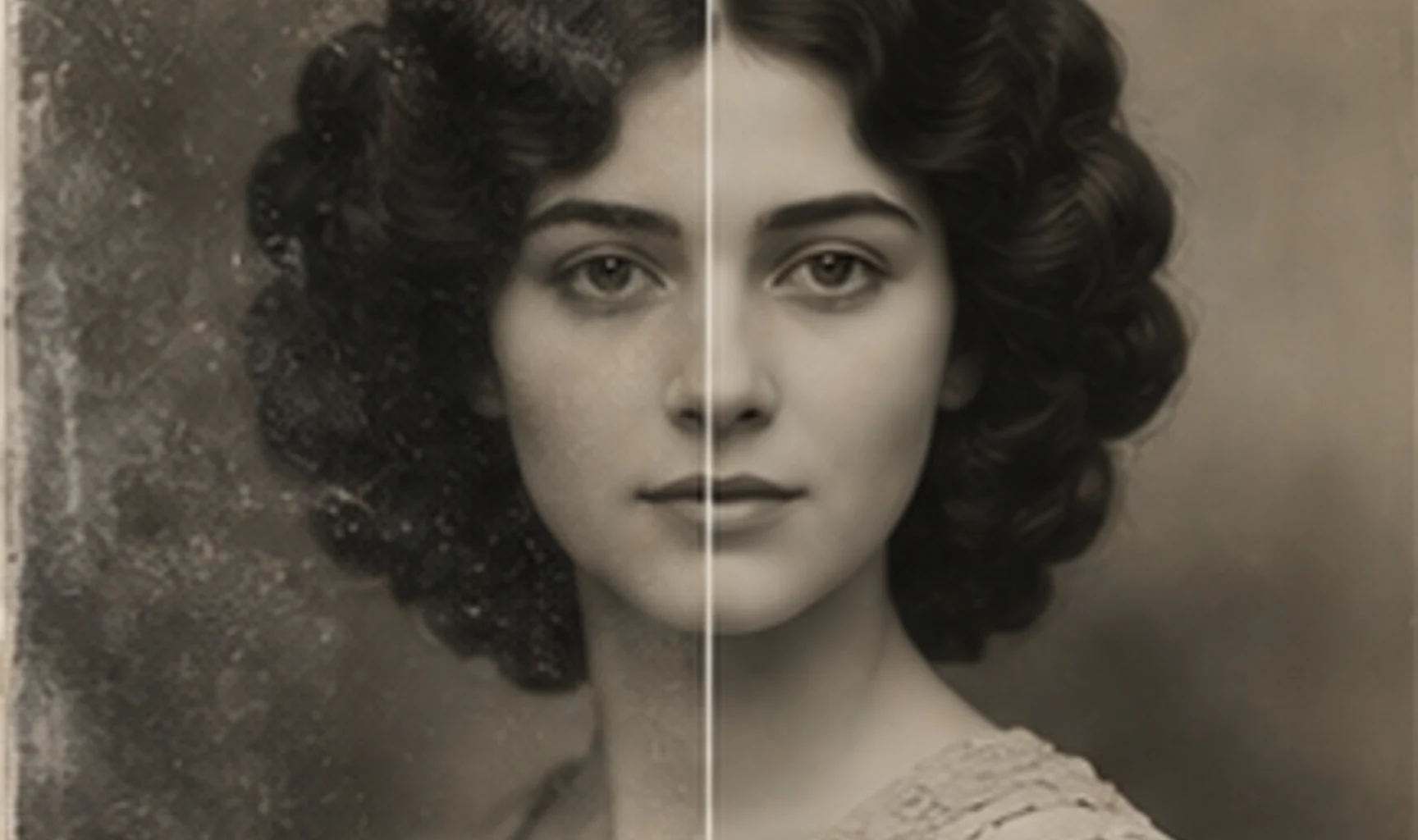
Deep AI image restoration before and after AI image generator example
02
Video ads

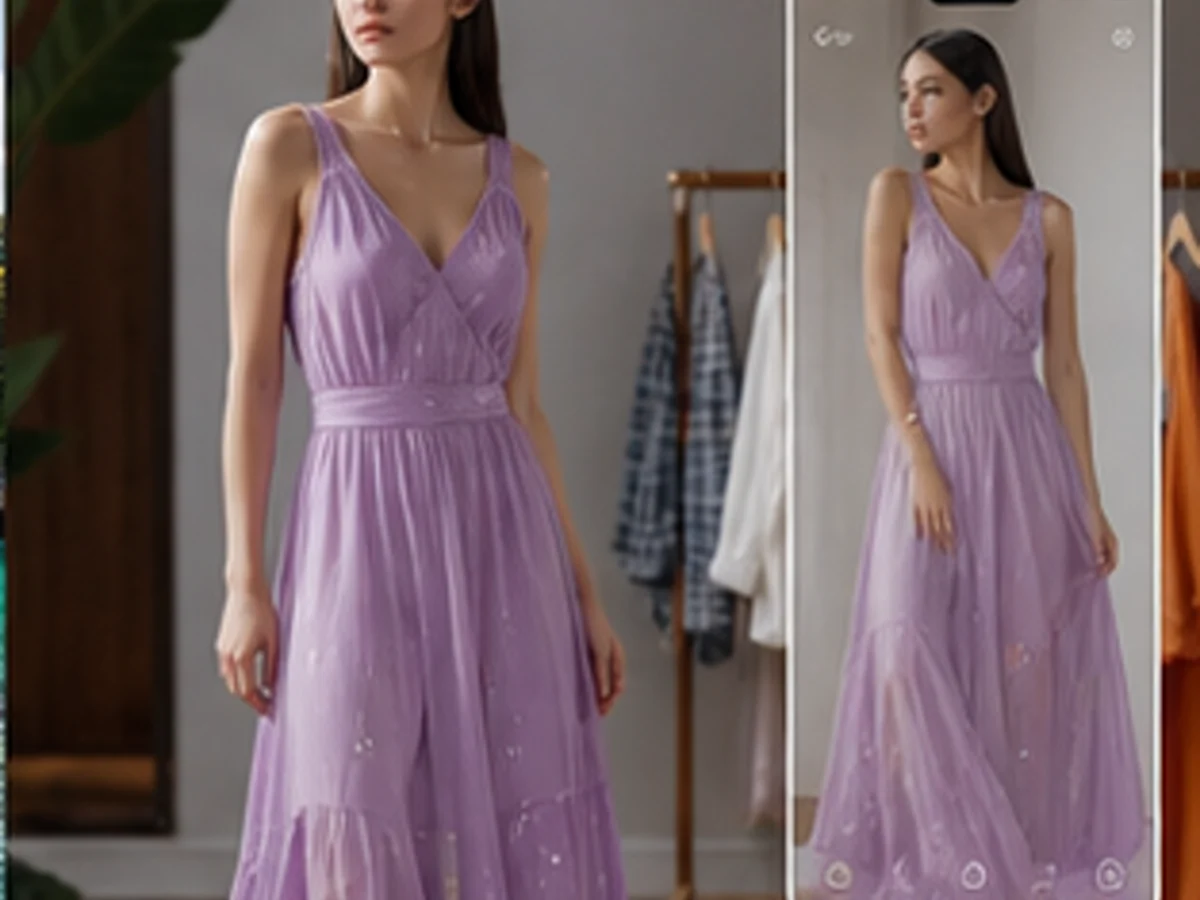
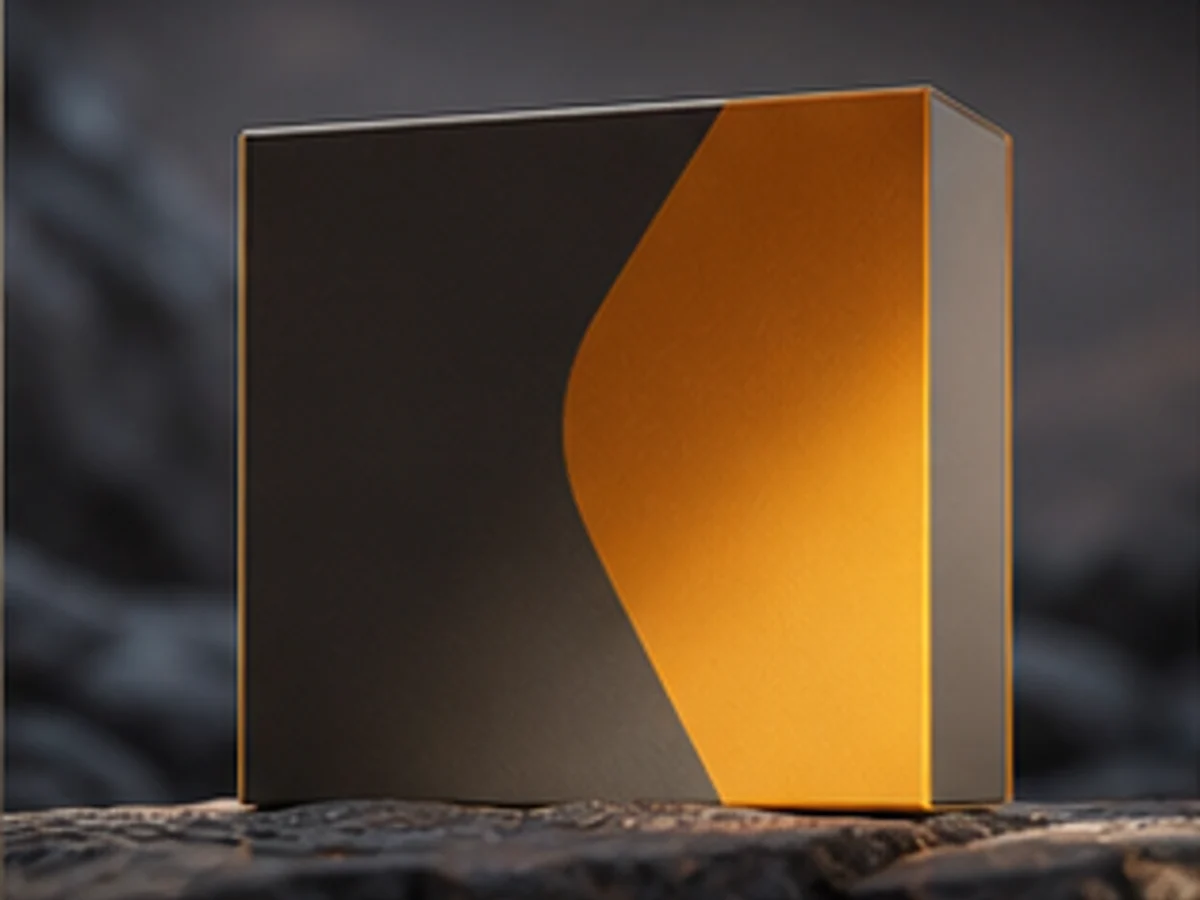
Product Videos and Ecommerce Ads

Turn product photos or simple product prompts into video ad concepts, demo clips, launch creatives, and ecommerce visuals for Shopify, Amazon, landing pages, and paid campaigns.

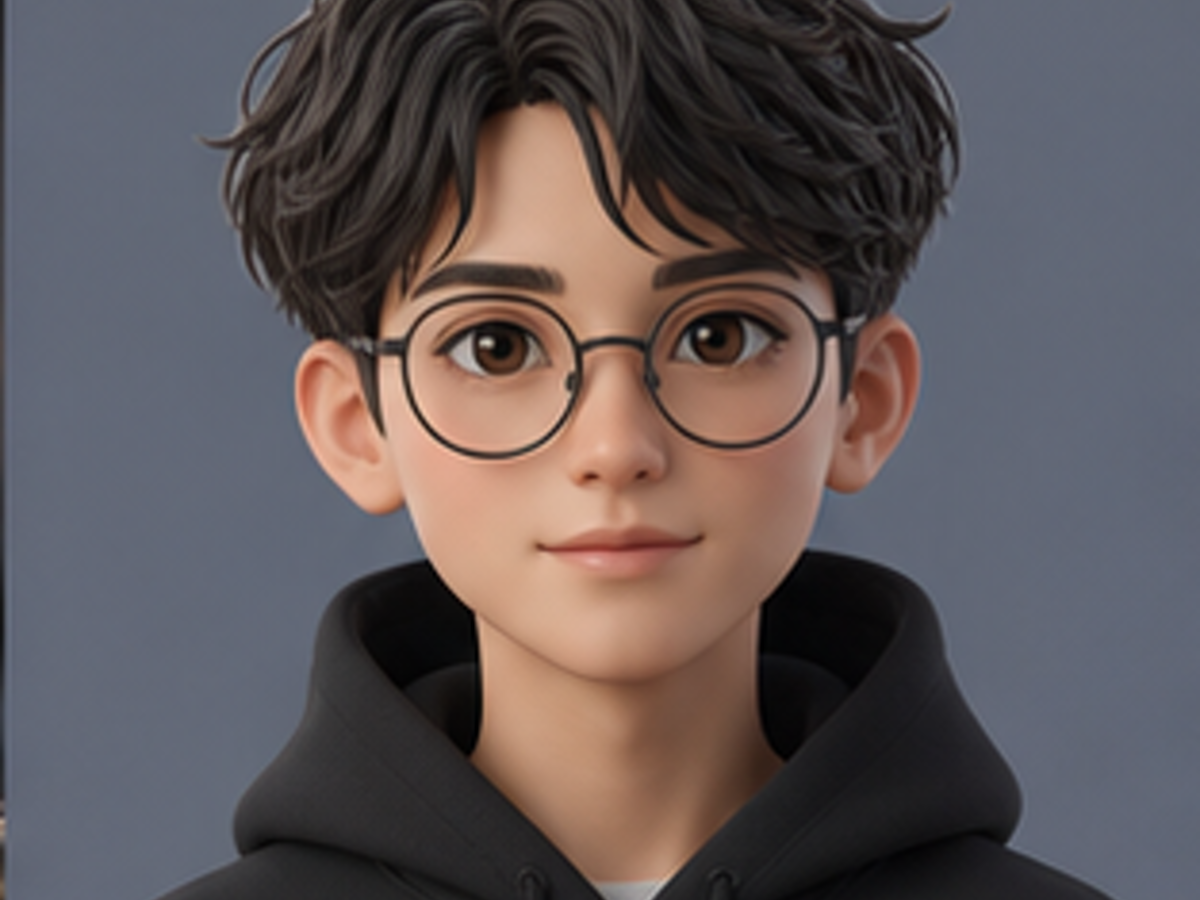
Deep AI portrait enhancement AI image editor before and after example
03
Story video

Cinematic Scenes and Explainer Videos

Generate movie-style shots, B-roll ideas, explainer drafts, tutorial scenes, and storyboard clips from a written idea. Use Deep AI video to show the direction before production.

Create with Deep AI in three simple steps

How to Use Deep AI Video and Image Generation

This section shows the basic workflow for people searching how to use Deep AI: write a prompt, choose the output type, then generate and download.

  1. 01

    Step 1 • Enter a Deep AI Prompt

    Describe the image or video you want in plain English. Add the subject, scene, camera style, mood, and platform goal. You can also upload a reference image for image to video generation.

  2. 02

    Step 2 • Choose Image or Deep AI Video

    Select text to image, text to video, or image to video. Pick the aspect ratio for TikTok, Reels, Shorts, ads, or product pages, then choose a realistic, cinematic, anime, or branded look.

  3. 03

    Step 3 • Generate, Download, and Improve

    Generate your Deep AI image or video, review the result, and iterate with a sharper prompt. Download the final visual or keep editing it for your campaign, post, or concept.

Built around the real pain points of AI video creation

Why Choose Deep AI Video Generator

Deep AI helps you create videos from text prompts or images without filming, actors, complex editing software, or long production cycles. It is designed for fast online video creation from idea to download.

No Download or Editing Software

Use Deep AI video directly in your browser. You do not need a camera, studio setup, timeline editor, or technical training to turn an idea into a video clip.

01

Text to Video and Image to Video

Start from a written prompt or upload a still image. Deep AI video supports both text to video and image to video workflows for social clips, product demos, ads, and cinematic scenes.

02

Fast Video Generation

Generate short AI video ideas quickly instead of waiting through a full production cycle. Test hooks, camera movement, product angles, and creative directions before spending more time.

03

Free Daily Credits to Start

Try Deep AI with free daily credits before choosing a paid plan. This helps creators, sellers, and marketers test real video prompts without a credit card first.

04

Ready for Social and Ads

Create videos for TikTok, Reels, YouTube Shorts, product pages, ecommerce ads, and marketing campaigns. Deep AI video is built for the formats creators publish every day.

05

One Workspace from Idea to Download

Generate images, animate stills, compare outputs, and prepare creative assets in one online workflow. No switching between separate image, video, and editing tools.

06

Simple, Transparent Pricing

Start with free daily credits, then upgrade to a plan that matches your creative output. Credits work across image generation, video generation, and canvas editing.

Start free
Cancel anytime
Secure payment

Basic

$19.9/month

Perfect for getting started with AI image and video generation

Up to 40 videos
/month
800 credits

Includes:

  • AI image generation
  • AI video generation
  • Unlimited downloads
  • Permanent history

Enterprise

Most Popular
$99.9/month

For teams and high-volume creators

Up to 300 videos
/month
6,000 credits

Everything in Pro, plus:

  • AI image generation
  • AI video generation
  • Unlimited downloads
  • Permanent history
  • Priority generation queue
  • Commercial Use License

Pro

$39.9/month

For regular creators who need more output

Up to 100 videos
/month
2,000 credits

Everything in Basic, plus:

  • AI image generation
  • AI video generation
  • Unlimited downloads
  • Permanent history
  • Priority generation queue
To cancel your subscription, contact support at: support@deep-ai.best

Loved by Creators Using Deep AI Video

Hear how marketers, ecommerce sellers, and social creators use Deep AI video to create short clips, product demos, video ads, and campaign ideas faster.

"Deep AI video helps me turn rough campaign ideas into short clips before I brief the design team. It is fast enough for testing three or four directions in one sitting."

Sophia L.

Austin, TX

"I use it for product video ads. I upload a still product image, try a few prompts, and get motion concepts that are much easier to judge than a static mockup."

Marcus J.

Chicago, IL

"For TikTok and Reels, speed matters. Deep AI video gives me quick vertical clip ideas, so I can test hooks before spending time on a full edit."

Rachel K.

Denver, CO

"I run a small ecommerce store and cannot film every product. Deep AI video lets me create simple demo-style clips from photos and prompts when I need new ads."

Tom W.

Miami, FL

"The free credits made it easy to test. I wanted to see if Deep AI video could make usable social clips from my product photos, and the first results were good enough to keep iterating."

Nina P.

Seattle, WA

"I use Deep AI video for cinematic concept shots. It helps clients understand the mood, camera movement, and visual direction before we commit production budget."

Chris M.

Portland, OR

FAQ

Deep AI and Deep AI Video FAQ

Answers for users comparing Deep AI, testing Deep AI video, checking free credits, or learning how text to image and image to video generation works.

01What is Deep AI?

Deep AI is an online AI image and video generator. You can write a prompt, create an AI image, upload a reference image, or use Deep AI video tools to turn a still visual into a short clip.

02Is Deep AI free to use?

Yes. Deep AI includes free daily credits, so you can test image generation and Deep AI video before paying. Paid plans provide more credits and higher usage limits.

03What is Deep AI video?

Deep AI video is the video generation workflow inside Deep AI. It supports text to video and image to video use cases, helping creators turn prompts or still images into short AI-generated clips.

04Can I use Deep AI for text to video?

Yes. Write a prompt that describes the subject, action, mood, camera direction, and format. Deep AI video then generates a short clip based on that description.

05Can I turn an image into a video with Deep AI?

Yes. Upload a still image and use image to video generation to add motion. This works well for product shots, character images, campaign concepts, and social media clips.

06Can Deep AI create AI images too?

Yes. Deep AI includes text to image generation for AI art, realistic images, product visuals, thumbnails, social posts, and marketing assets.

07Do I need editing or design experience?

No. Deep AI is built for plain-language prompting. Describe what you want, choose image or video generation, and refine the output with a clearer prompt if needed.

08What can I create with Deep AI?

You can create AI images, Deep AI video clips, product visuals, ad concepts, social media content, thumbnails, AI art, character concepts, and campaign assets.

09How do credits work?

Each image or video generation uses credits. Free users receive daily credits, while paid plans and credit packs provide more generations for heavier Deep AI video and image workflows.

010Can I use Deep AI on my phone?

Yes. Deep AI works in a mobile browser, so you can write prompts, upload images, and generate Deep AI video from your phone without installing an app.

011Is Deep AI associated with any other brands?

No. This Deep AI site is an independent AI image and video generator. It is focused on browser-based text to image, text to video, and image to video creation.

012Why choose Deep AI instead of a separate image or video tool?

Deep AI keeps image generation and Deep AI video in one workflow. That makes it easier to move from prompt to image, from image to video, and from early idea to usable creative asset.

Start creating now

Create Your First Deep AI Video

Start with free daily credits and use Deep AI to generate images, animate stills, and test video ideas directly in your browser.